
Does Free Fire Have a Nigeria and SSA Server? Why Nigerians Get 15–50 Ping in SSA Lobbies but 90–150 in MENA Details
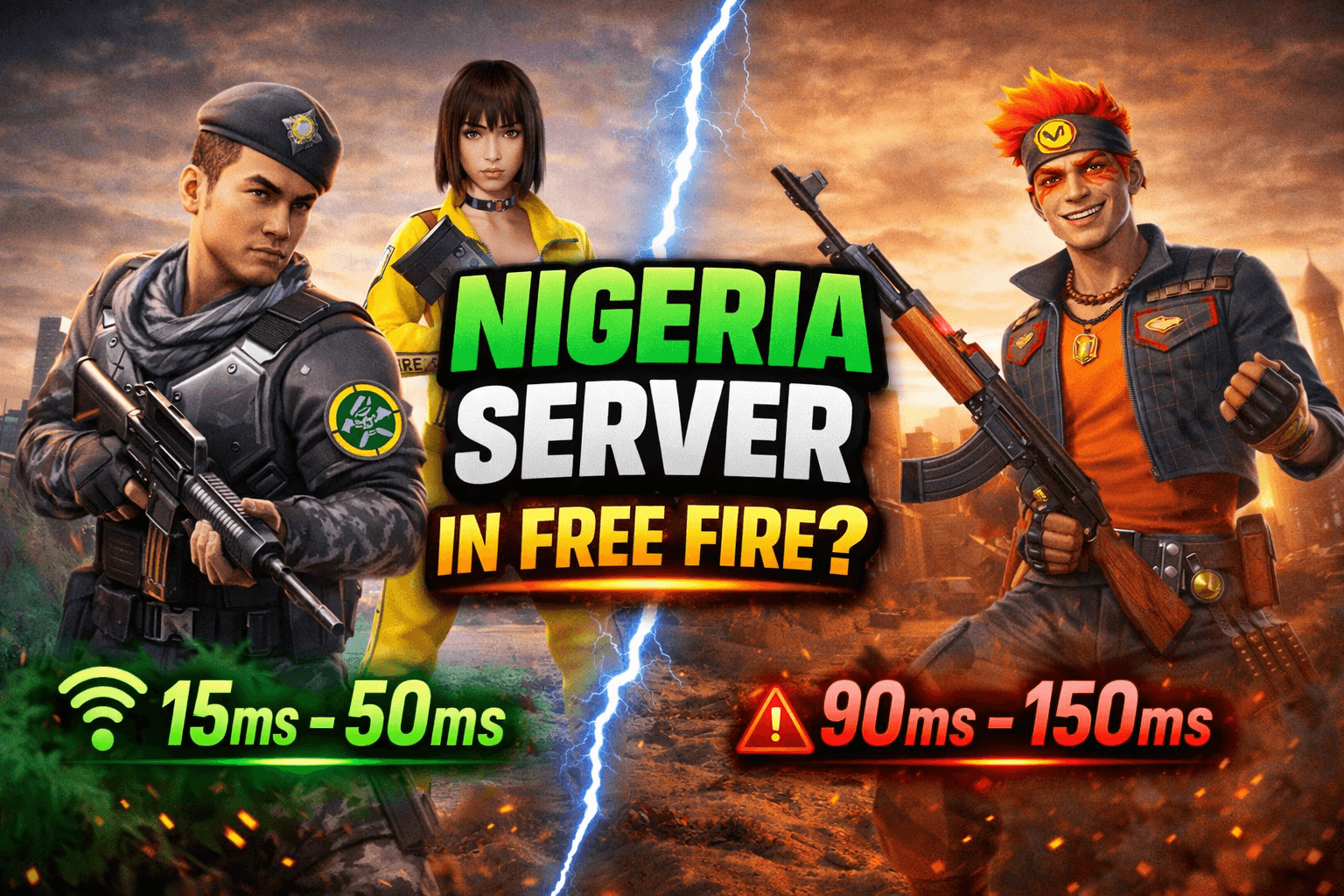
If you play Free Fire in Nigeria, you’ve probably noticed something weird: some matches feel super smooth (around 15–50ms), then other matches suddenly jump to 90–150ms even when you didn’t change your network.
This article explains what’s most likely happening, what we can confirm, and how AFC is tracking it with real match data.
Quick answer
Free Fire does not publicly publish a “server map” showing physical match server locations (like “Nigeria server in Lagos”). What we can say with confidence is that Africa is handled under the broader MEA (Middle East & Africa) region at an operations/support level.
So instead of guessing, the practical way to understand “Nigeria/SSA server” is: watch your ping patterns and test your routing because your match may be placed on different clusters depending on who is in the queue.
The key observation Nigerians report
Many Nigerian players observe:
15–50 ping when matched in lobbies that feel mostly SSA (more African teammates/opponents, more familiar matchmaking pool)
90–150 ping when matched into MENA heavy games (often more Middle East/North Africa pool)
This pattern suggests matchmaking may be placing Nigerian players into different server clusters depending on the active player pool at that time.
What this likely means
1) “Server” can mean different things
A game can have:
CDN/edge locations that make downloads and updates faster (Nigeria can benefit from this)
Match servers where your BR/CS match actually runs (this is what your ping reflects)
Local CDN presence does not automatically mean local match servers.
2) Matchmaking can change your server cluster
When you queue, the system tries to build a match fast and fairly. If it can fill a lobby with mostly SSA players, you may land on a closer cluster (lower ping). If it needs to pull more from MENA to fill the lobby, you may land on a different cluster (higher ping).
That matches the real-life experience: ping changes based on the lobby pool, not just your phone or ISP.
What Garena officially recommends for high ping
Garena’s support guidance is straightforward:
150ms and below is ideal
Ping can be much higher depending on connection and stability
Use troubleshooting steps and traceroute when needed
Garena even provides a traceroute guide and IPs to test useful for identifying whether your connection is routing far before it reaches game infrastructure.
AFC Ping Pattern Test (simple, 5 matches)
To move this from “gist” to “proof,” AFC is tracking match logs. You can do the same:
For 5 matches, write down:
In-game ping (start + mid-match)
Mode (BR/CS, ranked/custom)
Network (MTN/Airtel/Glo/9mobile/fibre)
Match “feel” (SSA-heavy vs MENA-heavy)
Time of day
Then compare:
SSA = heavy matches: median ping, min, max
MENA = heavy matches: median ping, min, max
If your logs consistently show 15–50 vs 90–150, you’re not imagining it, you’re seeing matchmaking placement effects.
What to do if you want more stable low ping
These won’t “magic” you into a new server, but they reduce avoidable problems:
Stability first
Strong 4G/LTE or reliable Wi-Fi
Close background apps
Reduce devices streaming/downloading on the same WiFi
Test time of day
Peak hours can push matchmaking to pull wider regions to fill lobbies faster, raising ping.Play with consistent SSA squads
If matchmaking truly correlates with lobby pool, stacking with SSA based squads can increase the odds of SSA heavy matches.
Final word
We will not claim “Free Fire has a Nigeria server” unless we can back it with consistent measurements. What we can say right now is:
Africa is operated under MEA region structures
Garena supports traceroute, based investigation for connection issues
Nigerian players commonly observe lower ping in SSA heavy lobbies and higher ping in MENA heavy lobbies, which likely reflects matchmaking placement across clusters.
Was this helpful?